Fast Private Internet Browser1.1
Publisher Description
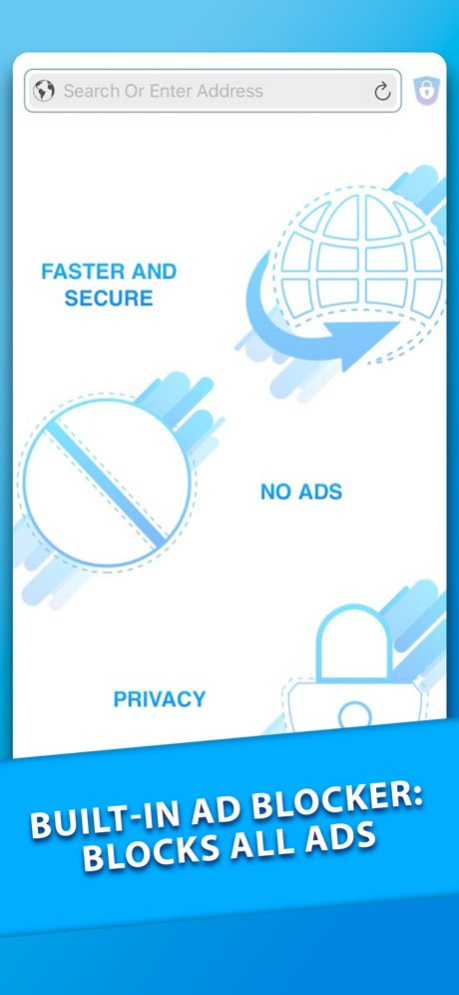
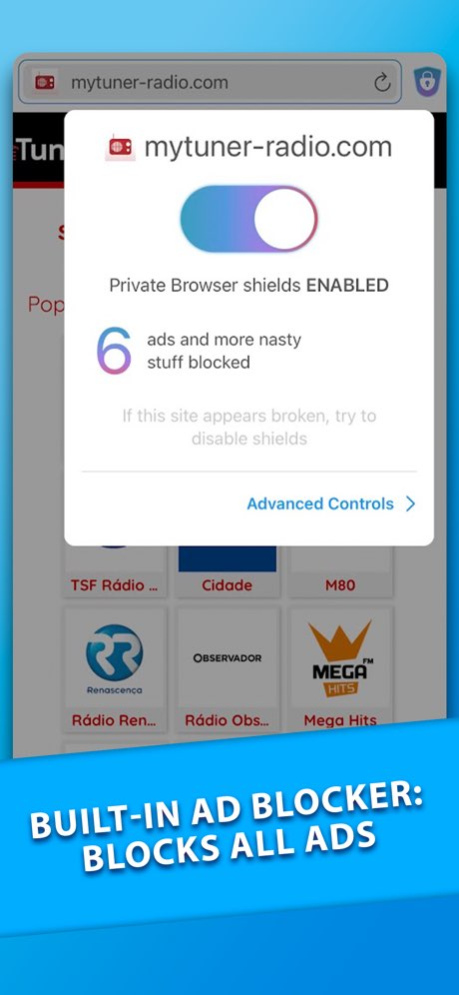
Fast Private Internet Browser is a private surfing internet browser that you can use for any online searches. It works just like a regular browser: use the top bar to search for anything you want! So, what makes it different? With this browser, using our Built-in AdBlocker, all tracking of external ads will automatically be blocked, including some annoying content you probably wouldn’t want to see!
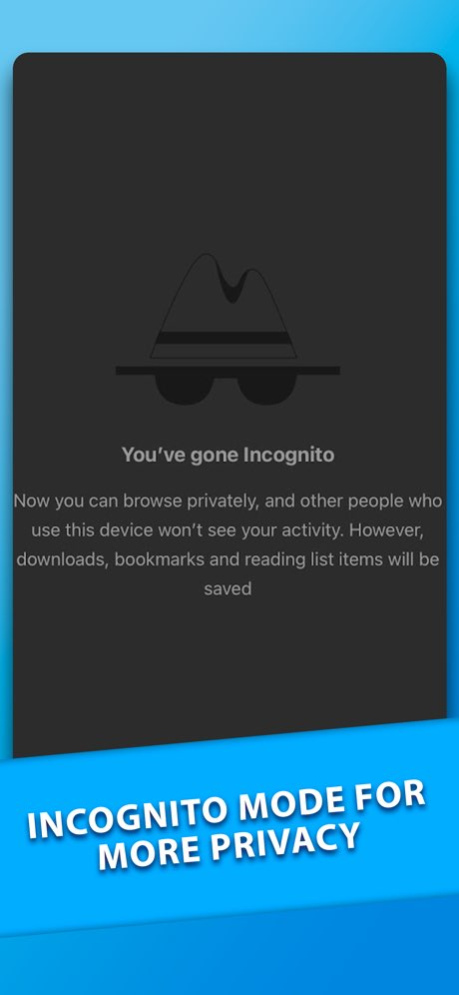
If you wish to add a bit more privacy to your searches, we added an “incognito button” to our main bar, where you can simply tap once to open an incognito tab, a history-free browser that registers nothing! Don’t worry about history search, password saving... anything! Merely tap the same button after you finish your search and all data will be cleaned.
For more information about the data blocked by the Adblocker, all website pages include an icon where you can check approximately how many ads have been blocked and other features such as the time you saved by not viewing those ads, etc.
Features of this app include:
Built-in AdBlocker
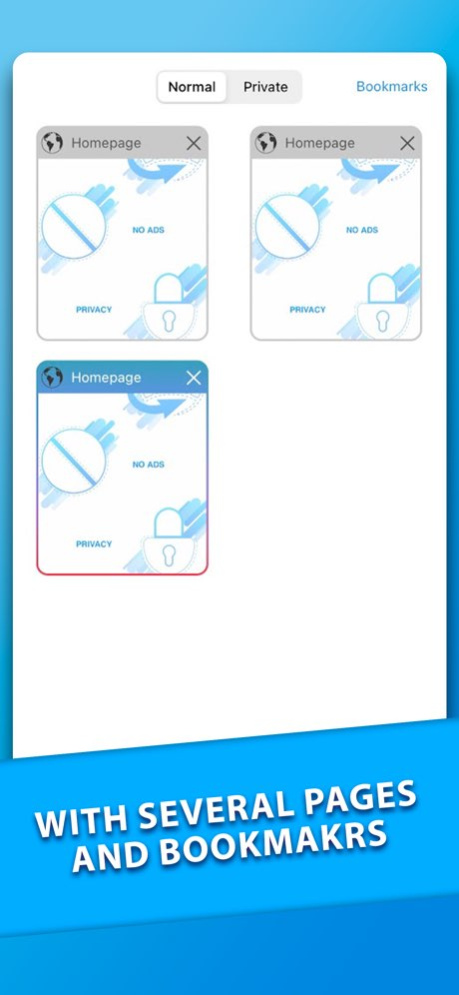
Bookmarks
Incognito Mode
Browsing with more speed
Personalized bookmarks
Browsing history
Recent tabs
And much more!
Version History - new default browser option 1.1 04/26/2023 Bug fixes; 1.0.3 01/19/2023 Bug fixes; 1.0.2 01/13/2023 1.0 10/27/2022
About Fast Private Internet Browser
The company that develops Fast Private Internet Browser is Appgeneration, Software Technologies, Lda. The latest version released by its developer is 1.1.
To install Fast Private Internet Browser on your iOS device, just click the green Continue To App button above to start the installation process. The app is listed on our website since 2026-10-06 and was downloaded 0 times. We have already checked if the download link is safe, however for your own protection we recommend that you scan the downloaded app with your antivirus. Your antivirus may detect the Fast Private Internet Browser as malware if the download link is broken.
How to install Fast Private Internet Browser on your iOS device:
- Click on the Continue To App button on our website. This will redirect you to the App Store.
- Once the Fast Private Internet Browser is shown in the iTunes listing of your iOS device, you can start its download and installation. Tap on the GET button to the right of the app to start downloading it.
- If you are not logged-in the iOS appstore app, you'll be prompted for your your Apple ID and/or password.
- After Fast Private Internet Browser is downloaded, you'll see an INSTALL button to the right. Tap on it to start the actual installation of the iOS app.
- Once installation is finished you can tap on the OPEN button to start it. Its icon will also be added to your device home screen.
Program Details
System requirements
Download information
Pricing
Version History
version 1.1
posted on 2026-10-06
Version History - new default browser option 1.1 04/26/2023 Bug fixes; 1.0.3 01/19/2023 Bug fixes; 1.0.2 01/13/2023 1.0 10/27/2022
version 1.1
posted on 2023-04-26
Apr 26, 2023
Version 1.1
- new default browser option
version 1.1
posted on 2023-04-26
- new default browser option
